Well, if you search on Google with Chrome on a $300 Android phone, the result you click opens almost instantly, while on a $1300 iPhone it doesn’t, and the reason is not the hardware, it is two things: Speculation Rules, and that all browsers on iOS are built on WebKit 😅
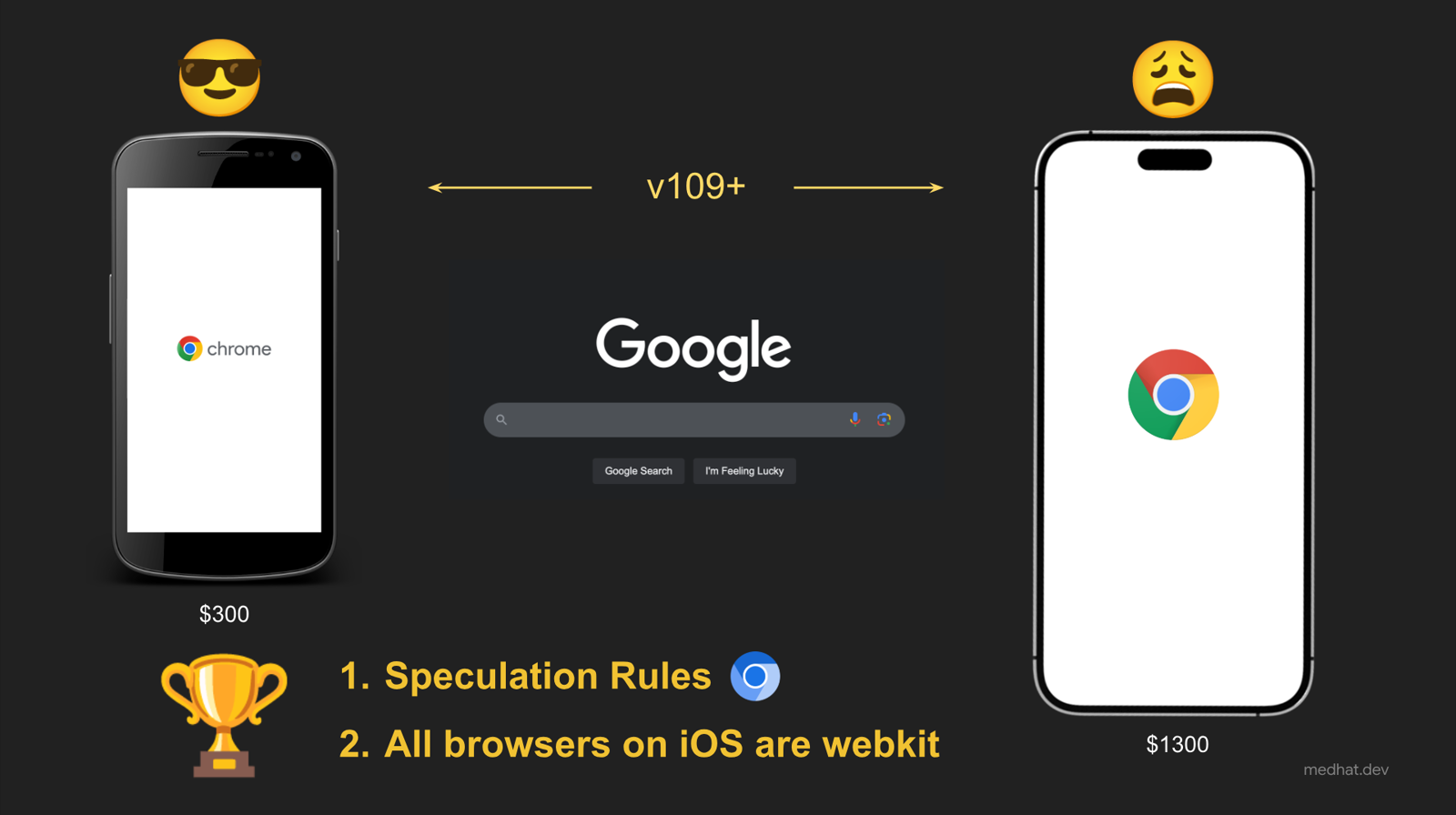
This is how I start my talk about Speculation Rules, and in this post I will give you the short version of it, if you prefer watching, here is the recording of “Speculation Rules in a Nutshell” from Performance.sync() in Amsterdam (17 minutes) 🎬
Humans are slow, and that is good news
We think in seconds, while we measure performance in milliseconds, a user needs around 1 to 2 seconds just to click a link (and that is with no stress), while one frame is ~16ms, and anything above 50ms is already a long task.
So between seeing a link and clicking it, the browser has a lot of time, and this is the idea behind the Speculation Rules API: load the next page before the click.
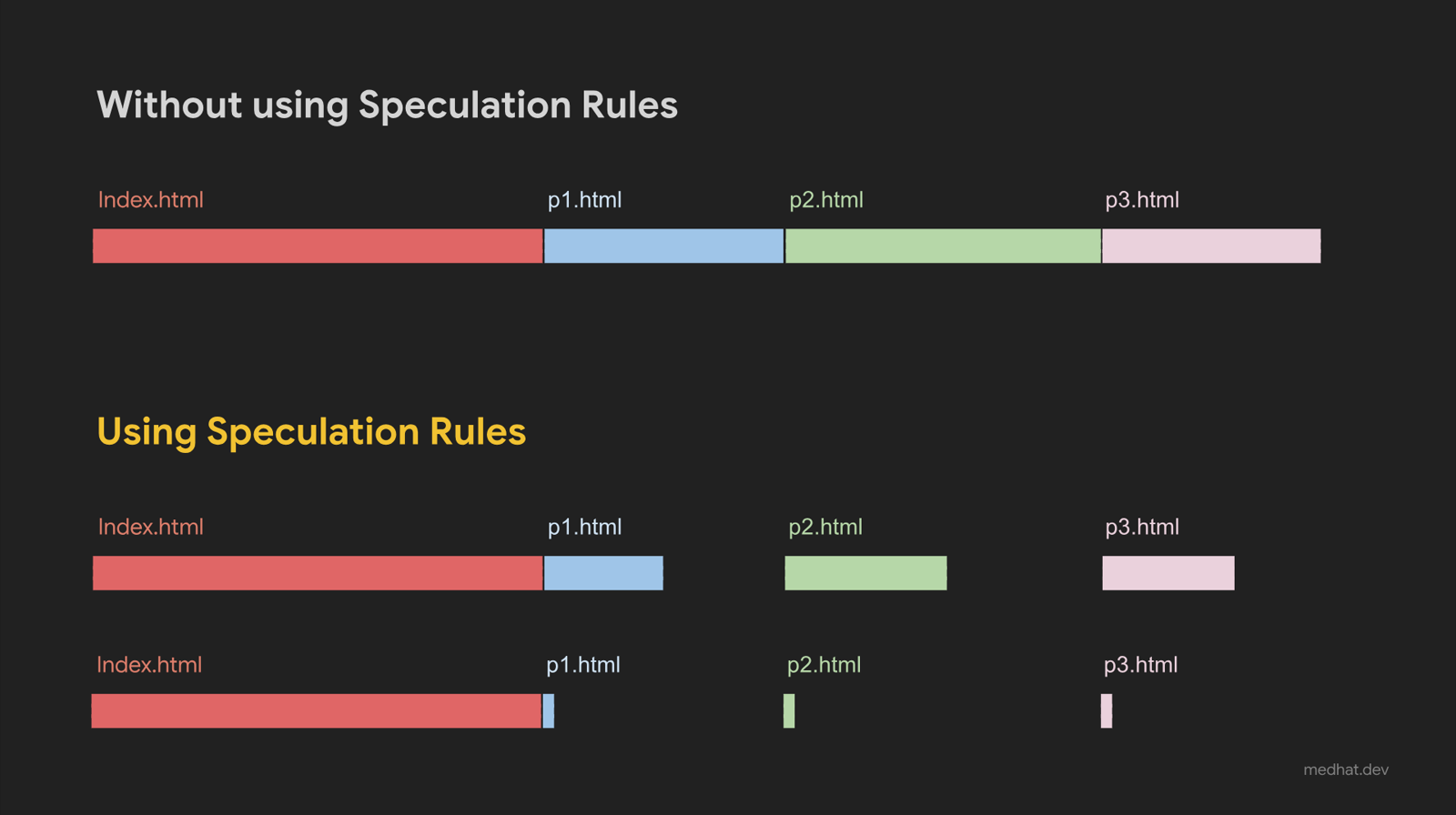
With prefetch the HTML is already there when you click, and with prerender the whole page is already rendered in a hidden tab, so opening it is almost instant.
What does it look like?
It is a JSON inside a script tag:
<script type="speculationrules">
{
  "prerender": [{
    "where": { "selector_matches": "a.article" },
    "eagerness": "moderate"
  }]
}
</script>
And it has three parts:
- Action:
prefetchto load only the HTML, orprerenderto load and render the full page. - Target: a list of
urls, or awhererule that matches URL patterns or CSS selectors. - Eagerness: when to start,
immediate,moderateorconservative.
Pick the right eagerness
| Eagerness | Starts | Prefetch limit | Prerender limit | Headstart |
|---|---|---|---|---|
| Conservative | on pointer down | 2 | 2 | 100–200ms |
| Moderate | on hover for 200ms, or pointer down | 2 | 2 | over 400ms |
| Immediate | as soon as possible | 50 | 10 | maximum |
The headstart numbers are from Tim Vereecke (Akamai).
immediate gives you the biggest headstart, but wastes bandwidth, CPU and battery every time your prediction is wrong, conservative barely gives you anything, so moderate is a good starting point, and even better, combine them:
<script type="speculationrules">
{
  "prefetch": [{ "where": { "selector_matches": "a.article" }, "eagerness": "moderate" }],
  "prerender": [{ "where": { "selector_matches": "a.article" }, "eagerness": "conservative" }]
}
</script>
This loads the HTML when the user hovers over a link for more than 200ms, and starts prerendering the page on pointer down, it is called progressive speculation, an idea from Tim as well, and it is what I recommend.
Can I prerender all the links ahead?
Short answer: NO 😄
Chrome doesn’t speculate when the user has Save-Data or Energy saver on, when the device is low on memory, in background tabs, or when the user turned off preloading (uBlock Origin does that for example), and cross-origin iframes are not prerendered.
And more important, some URLs are not safe to load ahead, like sign out, switching the language, “add to cart”, sign-in flows that send an SMS, or anything that triggers ad conversion tracking, your server can recognize these early requests from the Sec-Purpose: prefetch (or prefetch;prerender) header and handle them differently.
Any downsides?
- Privacy: third-party scripts on a prerendered page can run before the user actually visits it.
- Browser support: Chrome and Edge only (109+), so keep optimizing your first load anyway.
- No SPA support: it works for real page navigations, not single-page app route changes.
- Memory and bandwidth: you may load pages that the user never visits.
Debugging it
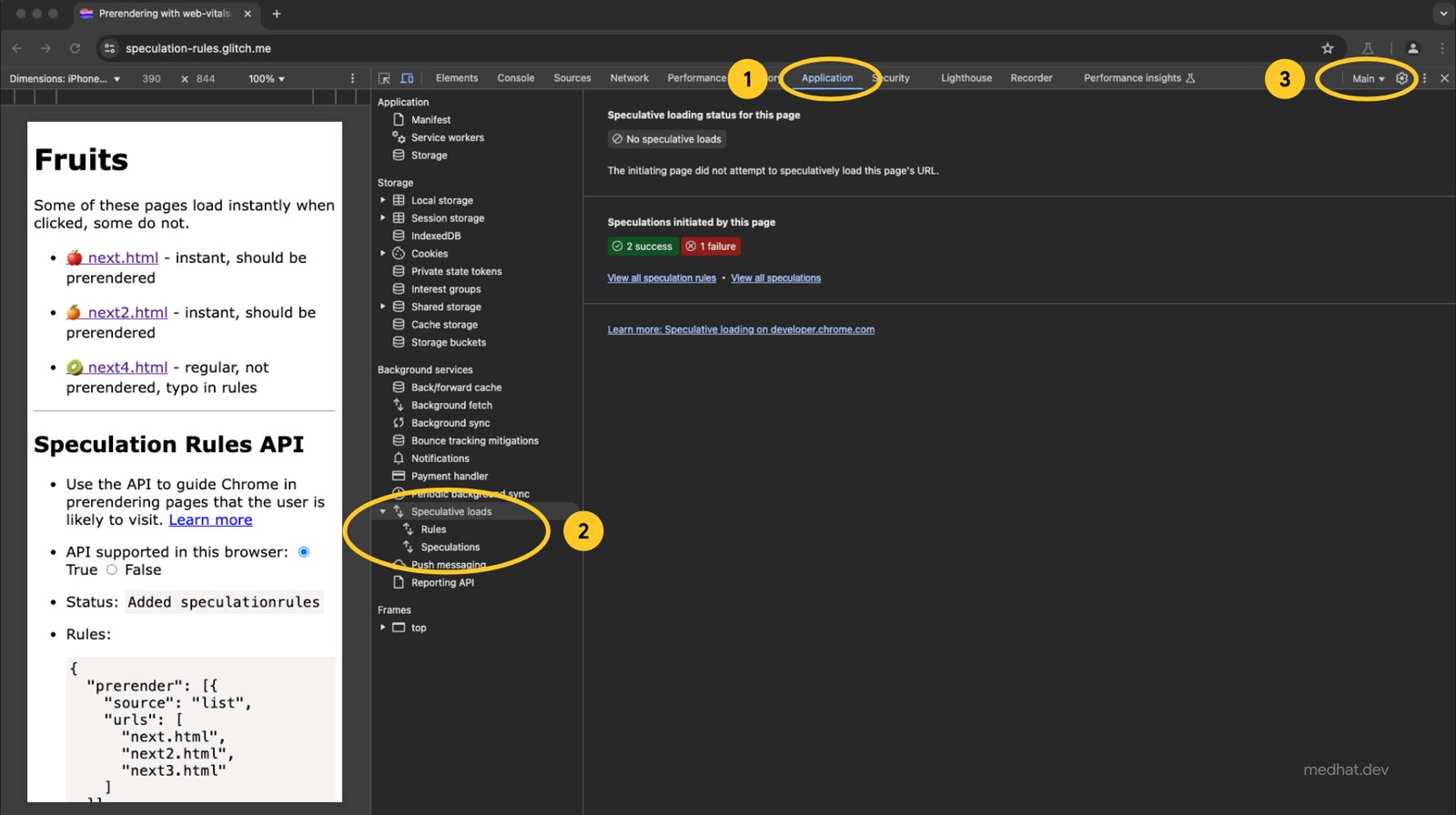
Chrome DevTools has a panel for it in the Application tab, under Speculative loads, where you can see your rules, which pages were prefetched or prerendered, and why some of them weren’t.
Conclusion
Speculation Rules are one of the cheapest performance wins you can get, a few lines of JSON and your next page opens almost instantly, start with moderate eagerness, combine prefetch and prerender, keep the unsafe URLs out, and as an extra tip, combine it with cross-document View Transitions.
If you have any questions, let’s discuss them in the comments below, and don’t forget to press the appreciate button if you liked this post 😉
Resources
- https://developer.chrome.com/docs/web-platform/prerender-pages
- https://developer.mozilla.org/en-US/docs/Web/API/Speculation_Rules_API
- https://www.youtube.com/watch?v=TWomRHSevgc
Tot ziens 👋