In my last post about my blog stack I said that I deal with my blog the same as I deal with my iPhone, I replace it every 4 years, well, it seems I broke my own rule this time, less than 3 years later I found myself redoing most of it again 😅, the design started to feel dated to me, and I wanted to own more of the things running on it instead of depending on third-party widgets, so here we are.
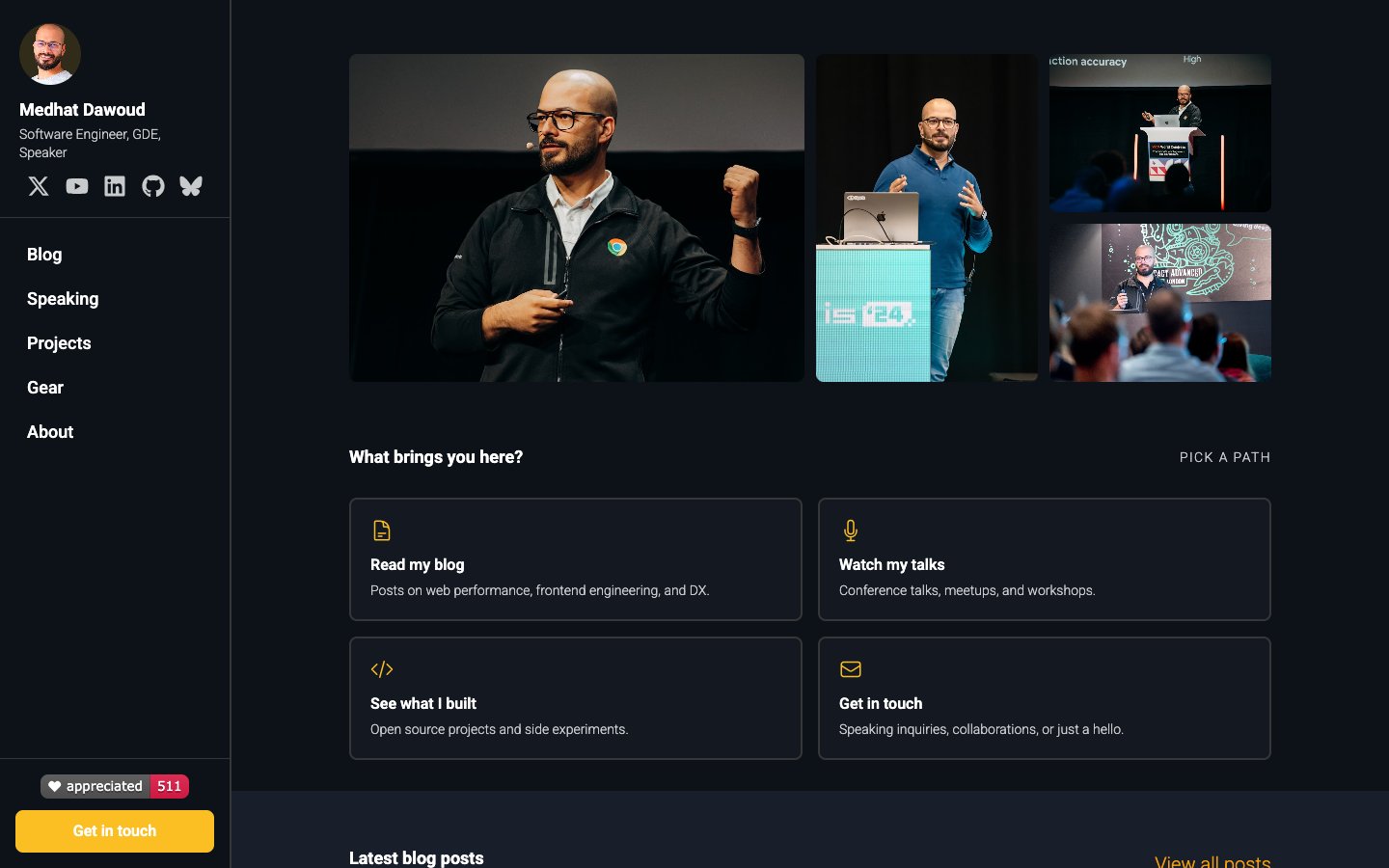
In this post I will take you in a tour on what is new in the website, the stack behind it and how I host it now, here are some screenshots since it might have changed by the time you are reading already 😄
What stayed the same
I didn’t rewrite everything from scratch, the foundation I explained in the 2024 post is still there, it is still Astro with TypeScript, still Markdown for the posts, and still Tailwind for styling, the difference is that everything on top of that got redesigned, and a lot of new things got added.
A sidebar instead of a header
The first thing you will notice is that the top header is gone, and instead there is a fixed sidebar on the left with the navigation, my social links, a small badge with how many times my content got appreciated (more on that below), and a “Get in touch” button.
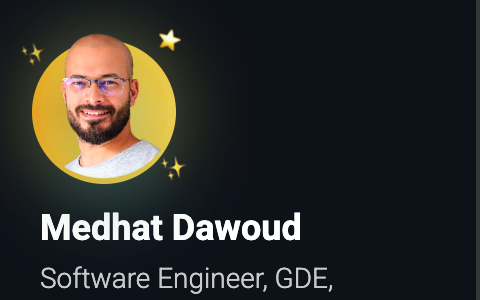
I also added a small detail that I like a lot, hover over my avatar, my name or the bio in the sidebar and you will see a spinning ring, some sparkles and a small wiggle ✨
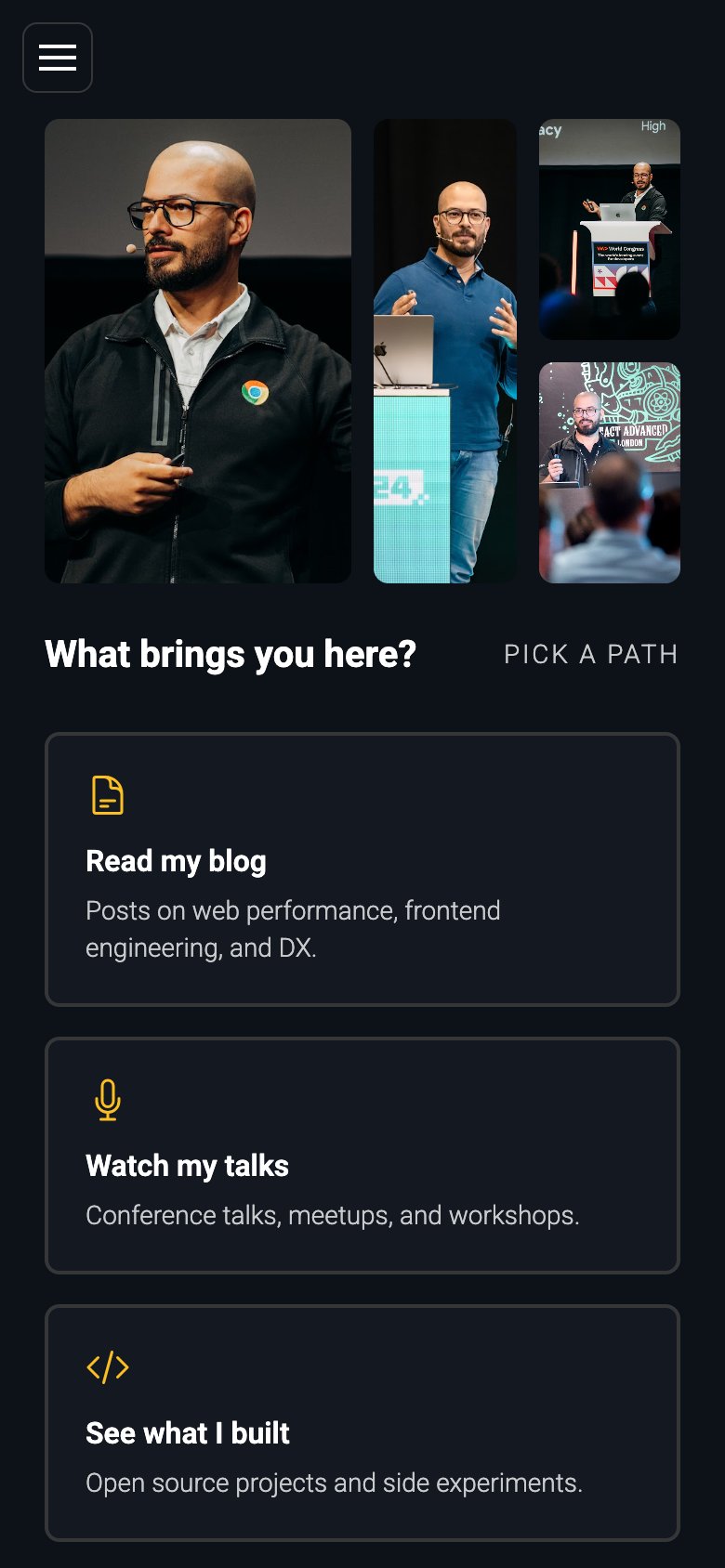
On mobile the sidebar becomes a drawer that you open from the menu button on the top.
The home page is now a hub
The home page is now more like a hub, some photos from my talks on top, then a “What brings you here?” section so you can pick a path directly, reading the blog, watching my talks, checking what I built or getting in touch, and below that the latest posts and the latest talks.
Dark only, with an amber accent
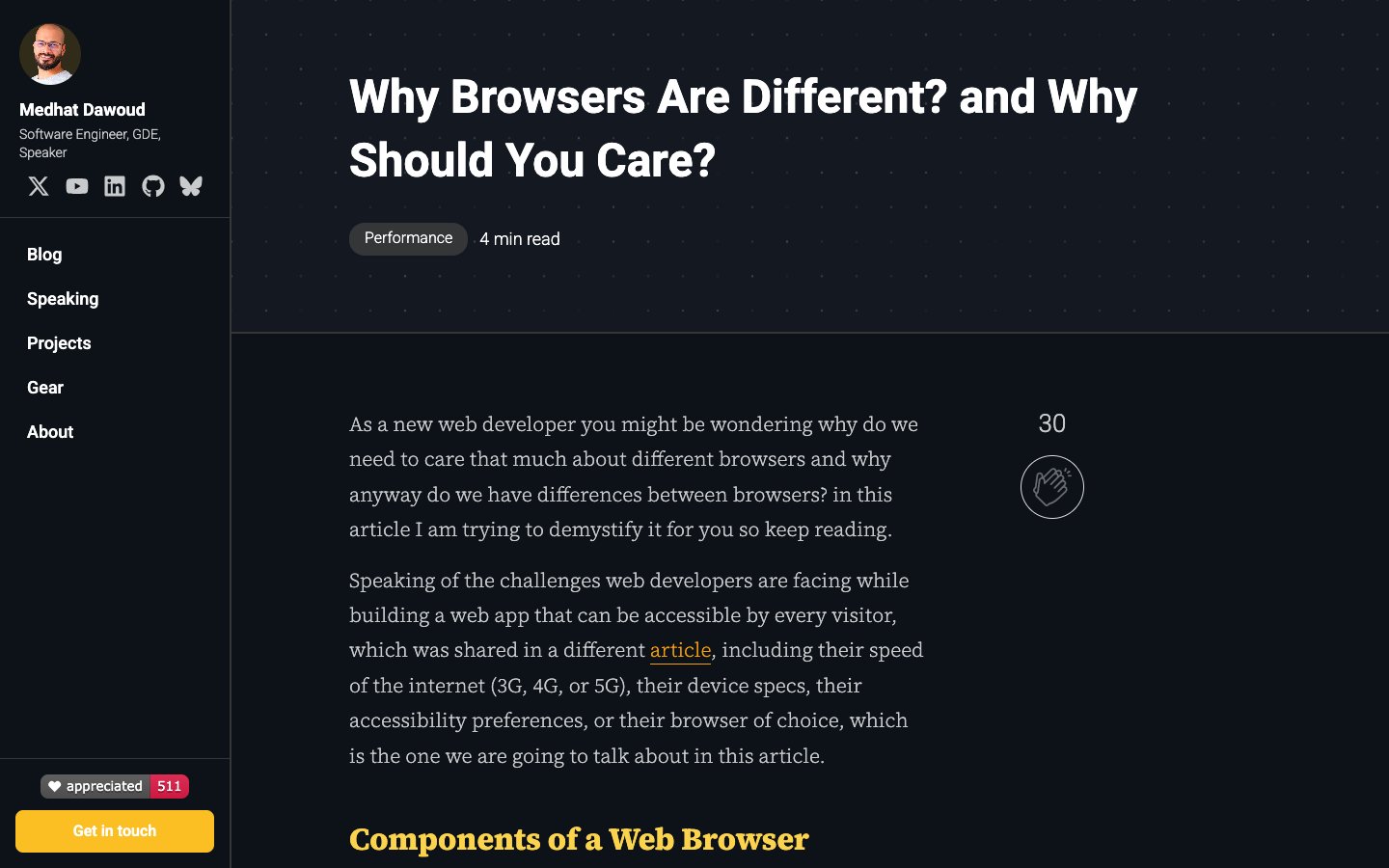
In the old website I had light and dark modes, this time I decided to go dark only, with an amber accent instead of the blue I had before, and for reading the posts I switched to a serif font (Source Serif 4) which is much more comfortable for long articles, at least for me.
Blog cards with real images
The blog cards now show the post’s main image, a short excerpt, the reading time and how many times the post got appreciated, and when you click on a card the title animates from the card into the post page thanks to Astro’s View Transitions.
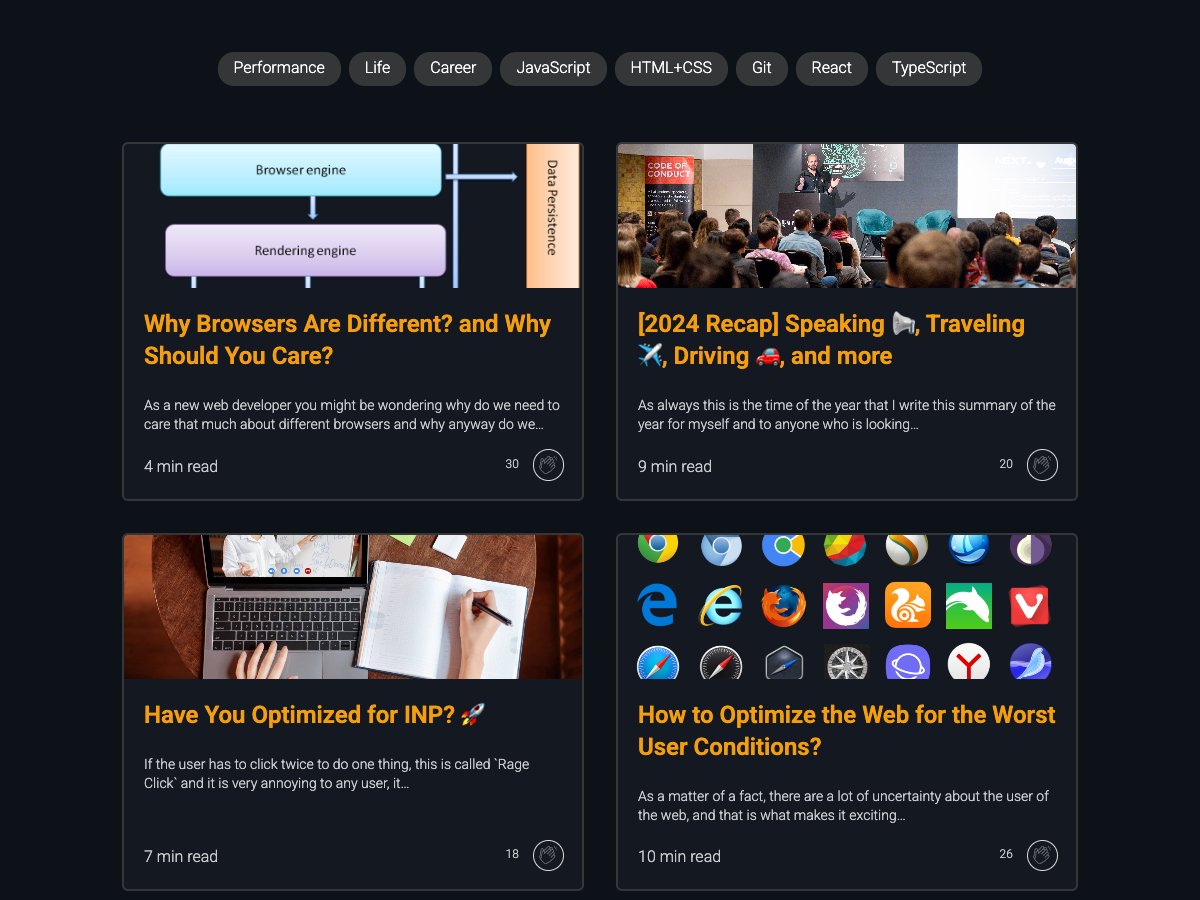
While doing that I found that some of my old posts had a generic placeholder as their main image, so I went through all of them and picked a real image from each post’s own content, and for the react-change-highlight post that had no image at all I generated one with AI.
Comments, finally 💬
Guess what? in the 2024 post I literally wrote “I don’t have comments on my blog and I am not planning to have”, well, I changed my mind 😄
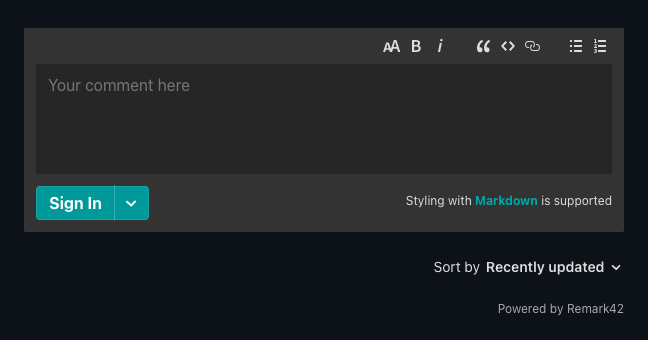
I wanted comments without any tracking and without giving the data to a third party, I first looked at Giscus but it needs a public GitHub repo for the discussions and my website repo is private, so I went with Remark42, it is open source and self-hosted, it runs as a separate app on my own server at comments.medhat.dev, and for now you can comment anonymously without creating any account.
Appreciate Button instead of the applause button
In the old version I used applause-button so readers can show that they liked a post, it served me well, but I wanted something that I own and can customize, so I built my own, Appreciate Button, a self-hostable appreciation button widget and API, it is the button you find in every post, you can also see the count on each blog card, and the total in the sidebar.
Better social images
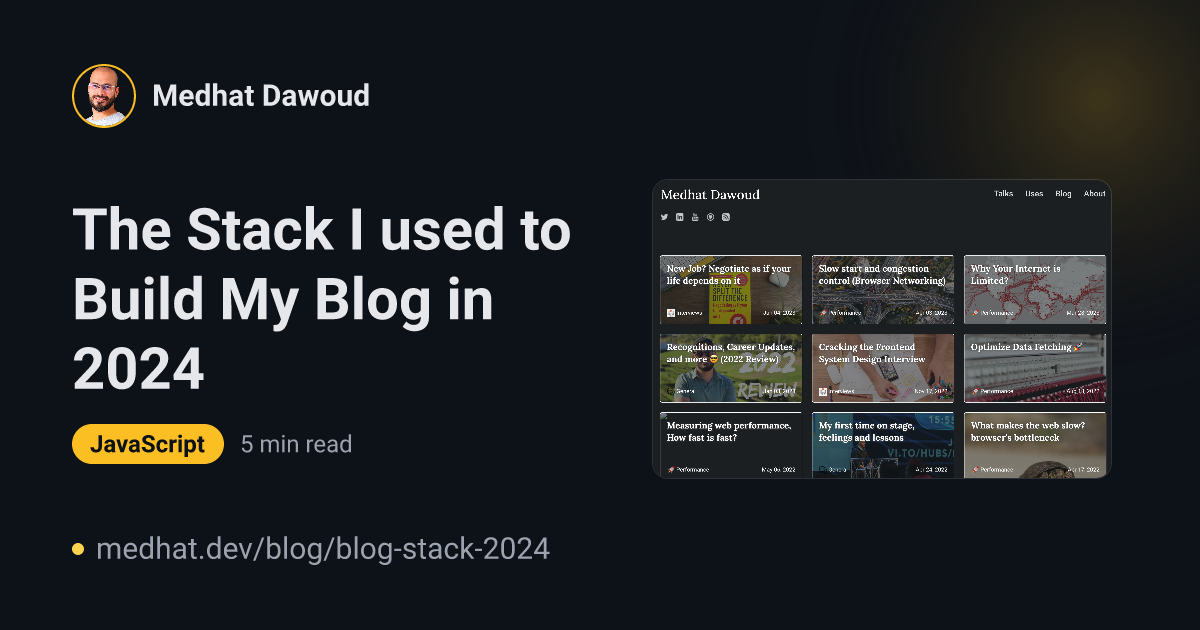
When you share any page from the website on X (Twitter), LinkedIn or anywhere else, it gets an automatically generated image, I explained how I did that with Satori in this article, this time I redesigned all of them to match the new look, the post cards now include the post’s main image next to the title, and I fixed a page that was sharing a broken image.
The speaking page
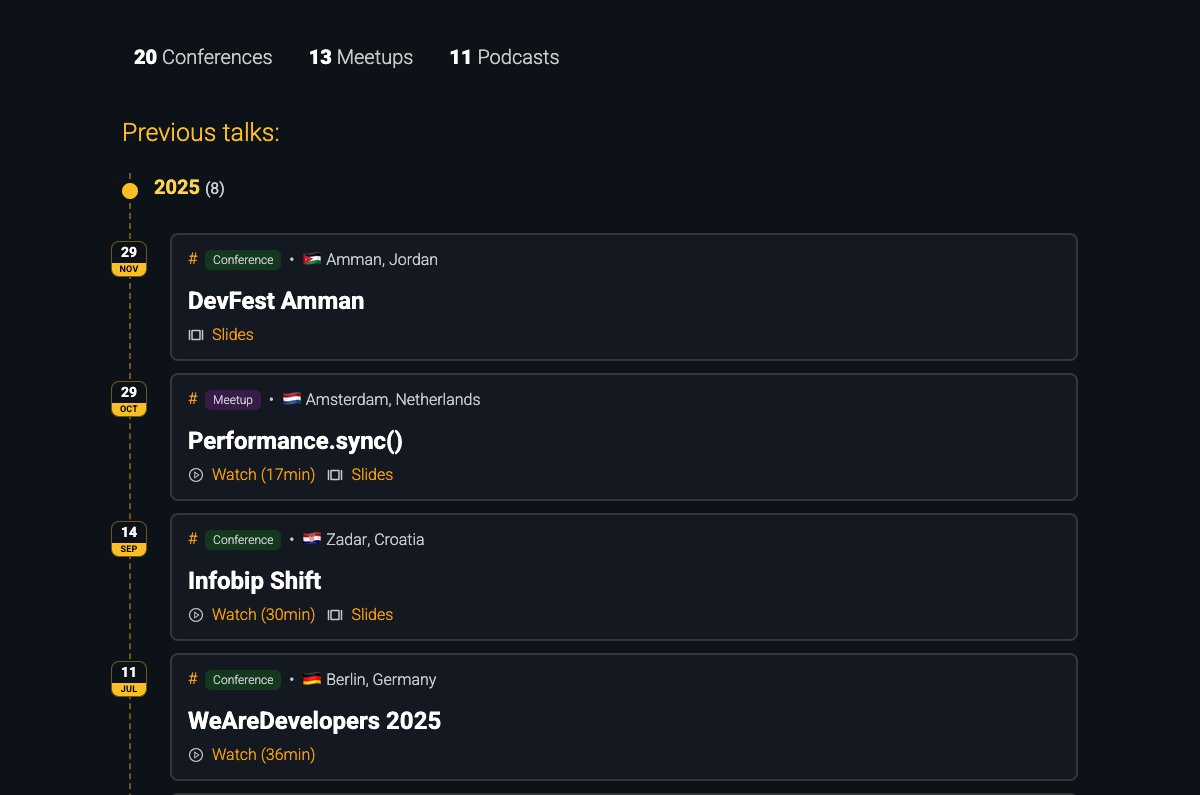
The talks page is now called Speaking and it got a big update, you can filter by conferences, meetups and podcasts, the talks are grouped by year on a timeline with a small date badge for each talk, and each one has links to the recording and the slides when they exist.
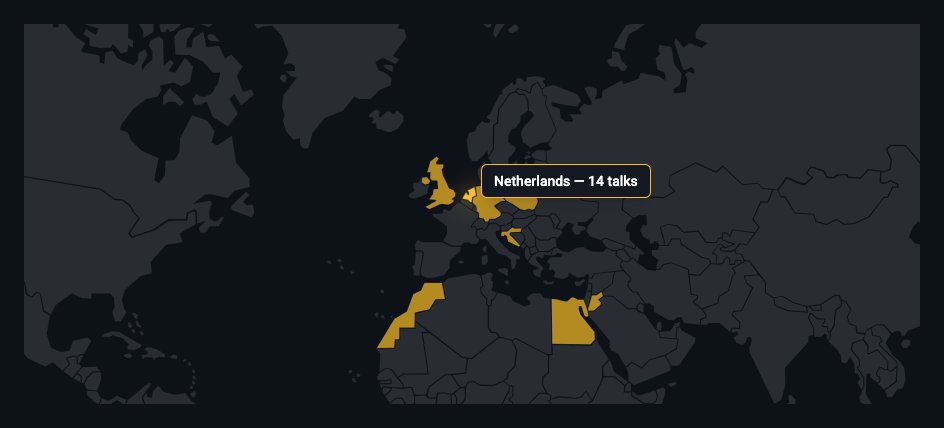
And at the bottom there is a map of the countries I have spoken in, hover over a country and you will see how many talks I gave there.
Projects
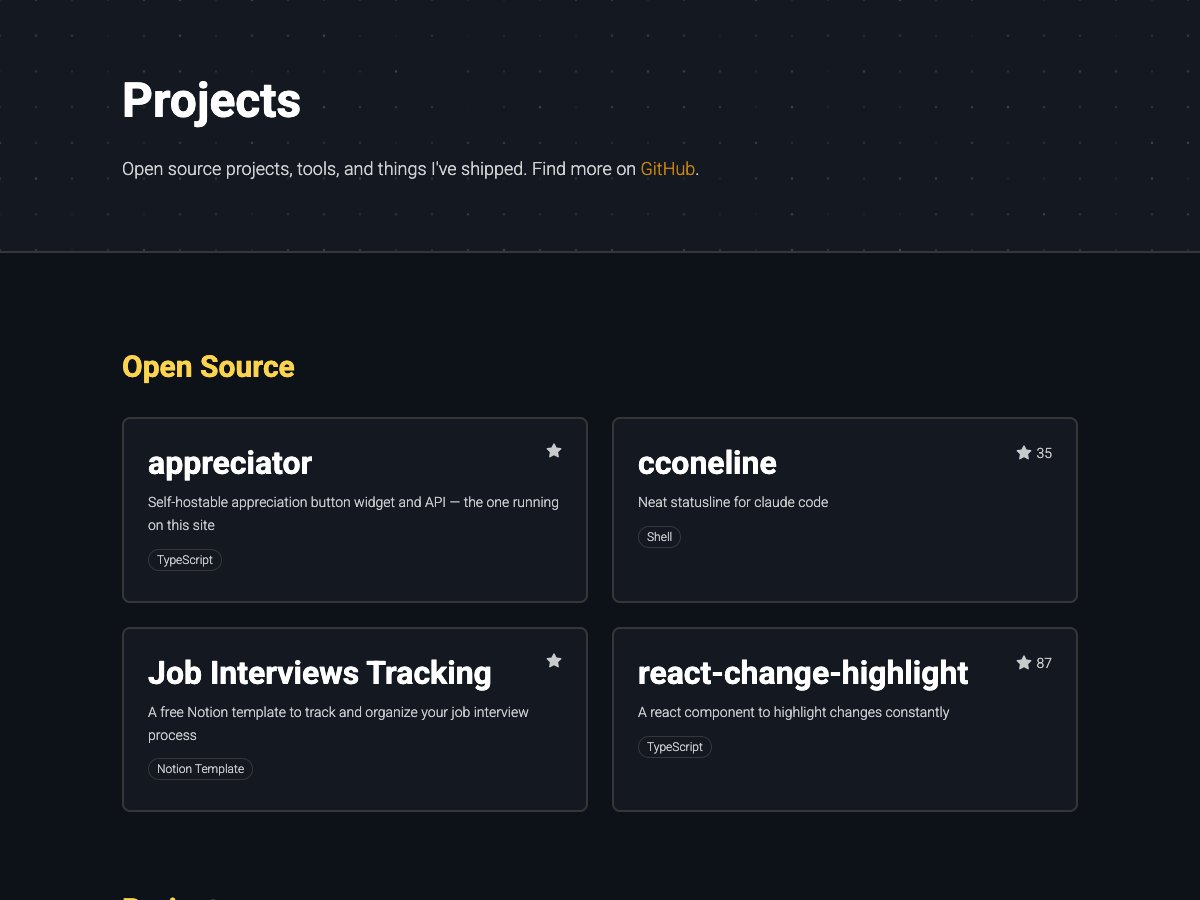
The Projects page lists my open source work, the side projects I shipped and my publications.
Gear
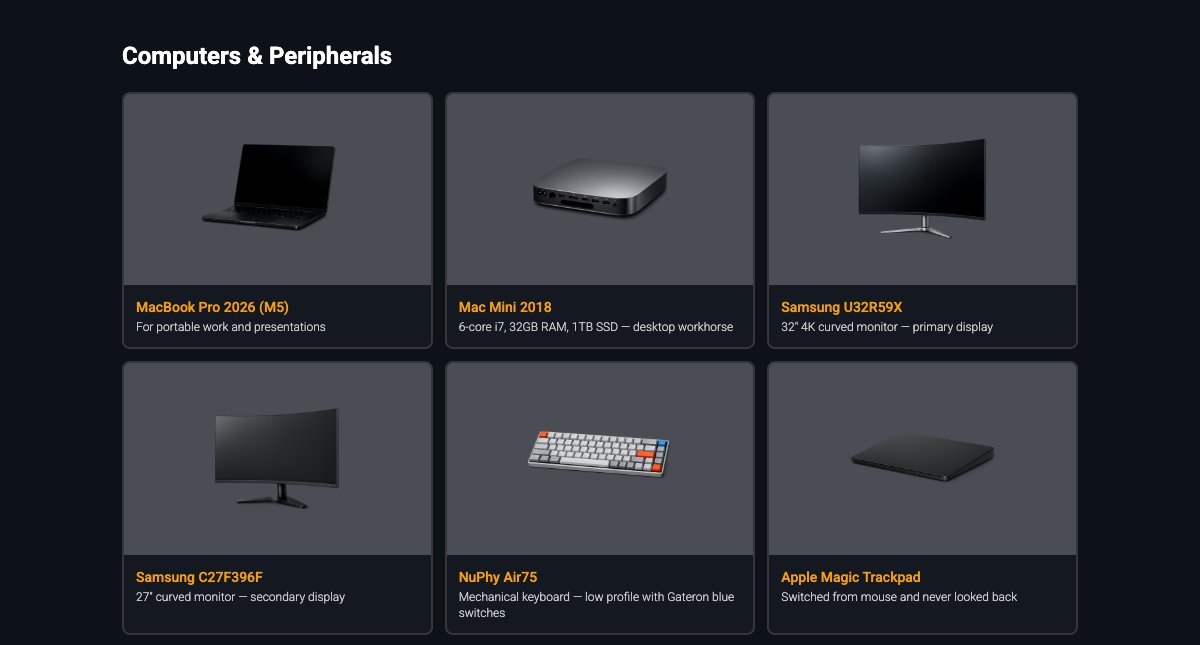
The page that used to be /uses is now called Gear, it has around 40 items in 5 categories, from my desk setup to the software I use every day, and every item got its own image, generated with AI on a transparent background so all of them look consistent on the dark cards.
About me
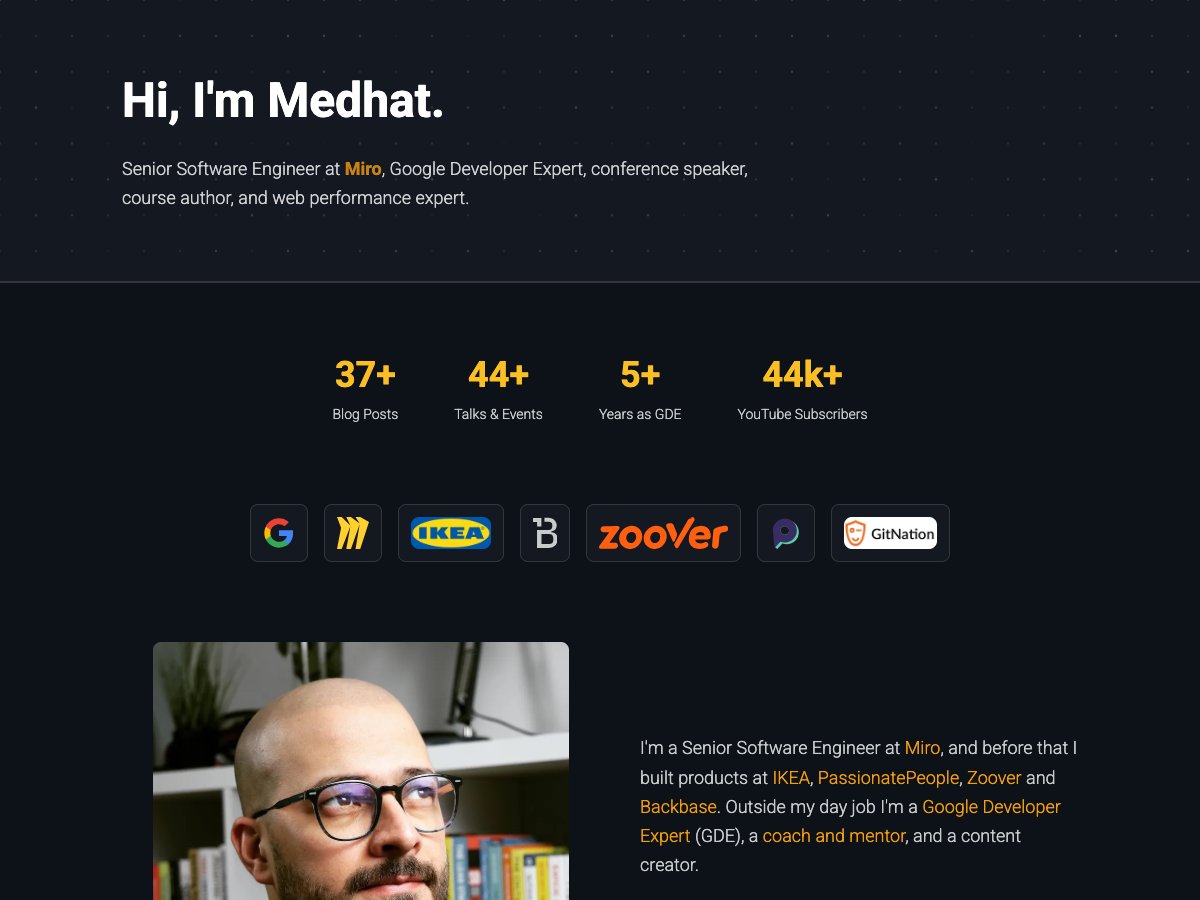
The About page got rewritten, it now starts with some numbers that count up when you open the page (the YouTube subscribers number is fetched from the YouTube API while building the website), the companies I worked with, and some sections about speaking, publishing, content and what I do beyond code.
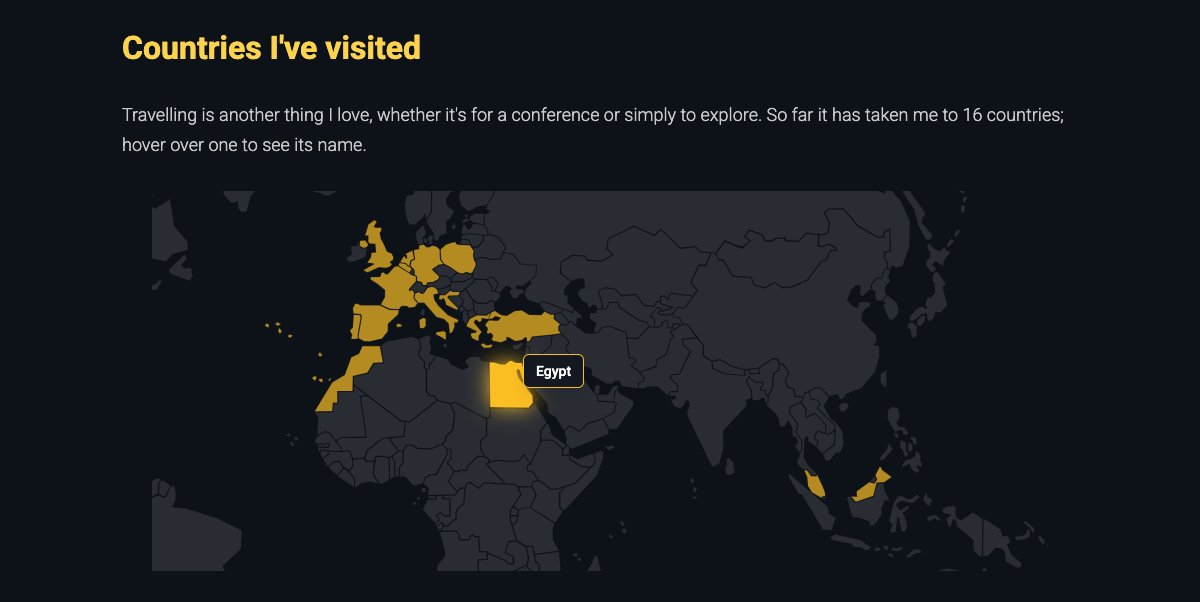
And my favorite part, a map of the countries I have visited so far, 16 countries until now, and hopefully more to come isA.
The stack
Here is a list of the main things the website uses now:
- Astro: still the core of everything, a fully static website, content collections for the posts and the talks, and View Transitions for the smooth navigation.
- TypeScript: for all the code.
- Tailwind CSS: all the component styles are now Tailwind classes.
- Satori (through
@vercel/og): for generating the social images while building the website. - rehype-pretty-code: for code highlighting in the posts, plus a small remark plugin to calculate the reading time.
- react-icons: for all the icons.
- Remark42: for the comments.
- Appreciate Button: my own appreciation button.
- OpenAI image API: two small scripts, one to generate the gear images and one to generate a main image for a post when it doesn’t have one.
Hosting, from Vercel to my own server
The website was hosted on Vercel, now it runs on my own server using Coolify, an open source platform that you can think of as your own self-hosted Vercel, every push to the main branch builds the website and serves it with nginx, and the comments run on the same server as a separate app.
Self-hosting taught me some lessons on the way, for example I had to set the caching headers myself, the built assets are cached forever since their names change with every build, but the HTML pages are always revalidated, and every build has an ID that the page checks, so if you have an old tab open while I deploy a new version, it reloads itself.
Another lesson, the build failed once because some post images were hosted on external image websites and one of them refused to serve my build server, so now all post images are hosted on the website itself.
Built with Claude Code
I have to be honest here, most of the work in this renewal was done in pair-programming sessions with Claude Code, I use Cursor as my editor, Claude Code as my harness, running inside Ghostty, and with my own statusline cconeline to keep an eye on what is going on.
The way it works for me is simple, I describe what I want, it implements it, I review it in the browser and ask for tweaks, a lot of tweaks 😅, the date badges on the speaking page alone went through many iterations until they looked right, it also helped me in things that are not only code, like debugging the deployment of the comments on Coolify, writing the scripts that generated the gear images, and finding broken images in my old posts, one of them returned a completely different picture from the one I originally uploaded years ago 🤯
It doesn’t replace the decisions though, what to build, how it should look and what to cut is still on me, but it helped me do all of that in a few weeks next to my full-time job.
Conclusion
That was a quick tour on the renewed website, a new design, dark only with an amber accent, comments, my own appreciation button, redesigned social images, and a lot of updates to the speaking, projects, gear and about pages, all running on my own server now.
This time you don’t need to go to X (Twitter) to tell me what you think, there are comments right below this post 😄, and don’t forget to press the appreciate button if you like this post 😉
Tot ziens 👋